The Homeowner's Pre-Drywall Smart Home Wiring Blueprint (2026)
What to run behind the walls before drywall goes up — cabling standards, code requirements, and enclosure choices explained in terms you can hand straight to your electrician.
 Jordan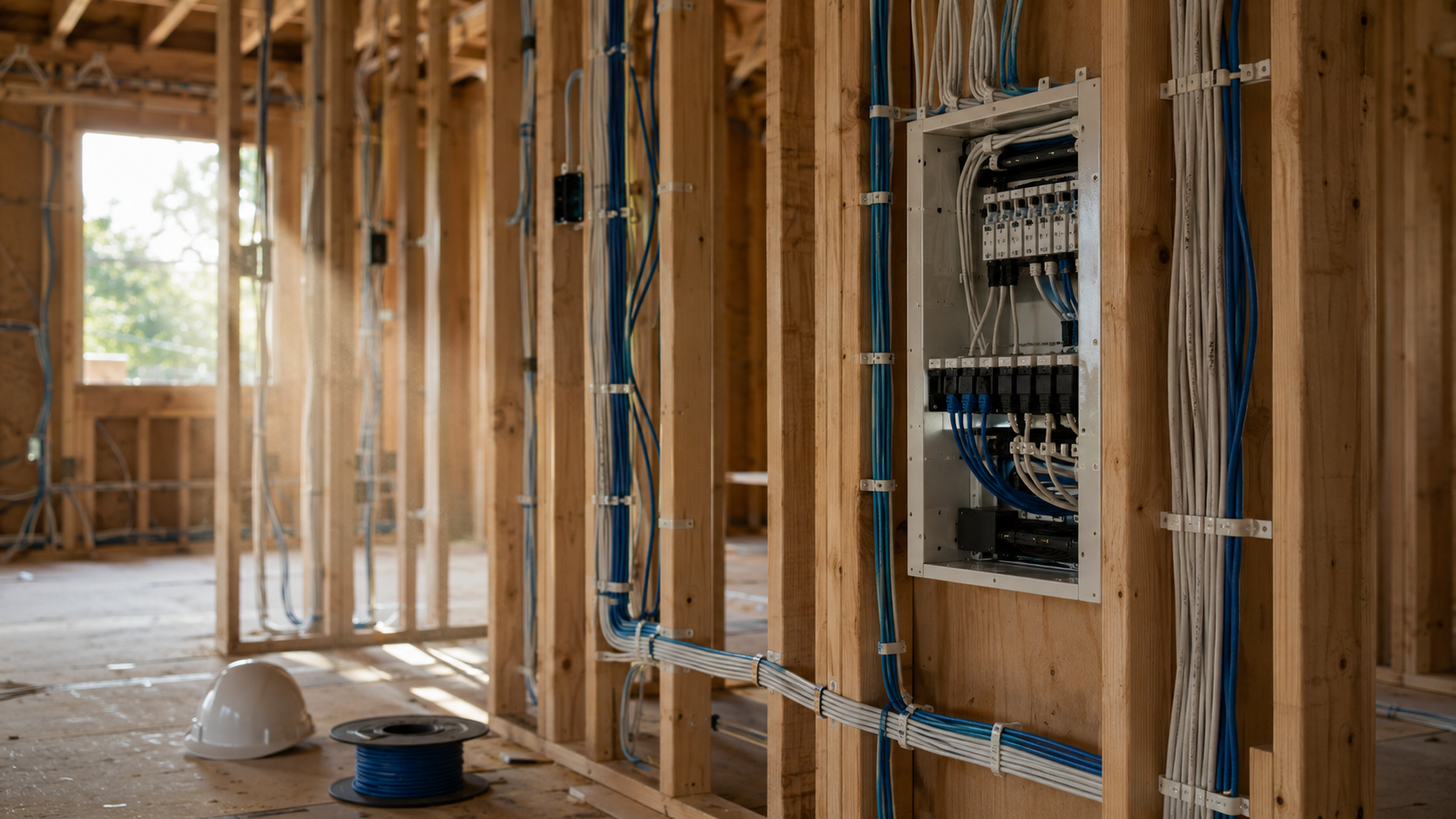
We may earn a commission from links on this page. Learn more .
Most smart home advice assumes you already have a finished house — pick an ecosystem, buy a bulb, done. This guide is for the earlier moment: the wall studs are still exposed, and whatever you run through them now will be far cheaper and far easier than anything you retrofit after drywall goes up. Here’s what to actually plan for, in terms specific enough to hand to an electrician or low-voltage installer.
The Core Rule: Everything Home-Runs to One Place
The single most important decision is topology, not hardware. Every cable — data, coax, audio, camera — should run individually back to one central point rather than daisy-chaining between rooms. This star topology is codified in the ANSI/TIA-570-E residential cabling standard, which defines three grades of service:
- Grade 1 (basic): one Cat6A data drop and one RG6 coax drop per outlet
- Grade 2 (advanced/multi-room): two Cat6A drops and one RG6 coax drop per outlet
- Grade 3 (fiber-ready): two Cat6A drops, one RG6 coax drop, and two strands of fiber per outlet
For most renovations, Grade 2 is the sensible target — it covers multi-room streaming, PoE cameras, and a wired access point in most rooms without the cost of running fiber you may never need. As a rule of thumb, a typical single-family home lands somewhere around 20–40 total Cat6 drops once you count bedrooms, living spaces, offices, ceiling-mounted access points, and exterior points for cameras.
Cable Selection: What Goes Where
- Category 6A, not Category 6, should be your default for data and camera runs. Standard Cat6 only guarantees 10 Gbps up to roughly 37–55 meters depending on conditions — Cat6A guarantees the full 10 Gbps across the entire 100-meter channel that the standard allows. Given the cost difference is small relative to labor, there’s little reason to under-spec this now.
- 14 AWG copper speaker wire for any in-wall audio run longer than about 50 feet. Thinner gauge wire on long runs causes measurable signal loss and weakens damping factor, which shows up as flabby, less controlled bass.
- Single-mode (OS2) fiber, minimum two strands, for anything leaving the main structure — detached garages, pool houses, guest units. Copper Ethernet is capped at 90 meters for a permanent link, and it’s vulnerable to ground potential differences and surge damage between separate buildings. Fiber sidesteps both problems.
What Your Electrician Needs to Hear About Code
Two code details get skipped constantly in generic “smart home guide” content, and both matter:
Neutral wires at every switch location. Under NEC 404.2(C), a grounded (neutral) conductor is required at lighting switch positions. Smart dimmers and switches need this to power their internal electronics continuously — without it, some units leak a small parasitic current to ground, which can trip AFCI breakers and creates a genuine safety issue. If you’re planning to add smart switches later, this is the single easiest thing to get wrong now and expensive to fix after drywall.
Physical separation between power and data. NEC Article 725 requires low-voltage Class 2/3 cabling (your data, audio, and control lines) to maintain roughly 2 inches of separation from 120V/240V power wiring, unless they’re divided by a solid barrier or run in grounded conduit. Where a low-voltage line has to cross a power line, it should cross at a 90-degree angle — running them parallel in the same bay is what causes audible hum and data errors later.
Local code adoption varies by jurisdiction and inspection cycle, so treat these as the baseline to confirm with your electrician against local amendments — not a substitute for their sign-off.
Choosing a Media Enclosure: The Detail Everyone Skips
This is the single most-overlooked decision in pre-wiring, and it comes down to physics: metal structured media enclosures block wireless signal. An 18-gauge steel enclosure acts as a Faraday cage — if you mount a Wi-Fi router, smart hub, or Zigbee/Thread gateway inside a metal box, its wireless range from that point collapses.
- Plastic (ABS) enclosures, like the Legrand On-Q ENP4250NA, are wireless-transparent. If you want your central hub or router physically inside the panel, this is the only sensible choice.
- Metal enclosures, like the Leviton 47605-42W, are more durable and offer better fire/physical protection, but only make sense if all your wireless access points are separately hardwired and ceiling-mounted elsewhere via PoE — not relying on anything broadcasting from inside the box itself.
Whichever you choose, the panel needs its own dedicated 20-amp branch circuit — not shared with general lighting or outlets — to avoid voltage noise from motors and appliances on the same circuit.
Conduit: Pulling Physics, Not Just “Run Some Extra Tube”
Empty conduit for future-proofing is common advice, but the details determine whether it’s actually usable later:
- Use long-radius sweeps, not sharp 90-degree elbows. A conduit bend should have an internal radius at least 6–8 times the tube’s outer diameter — sharp elbows create friction points that bind cable jackets during a future pull.
- Leave a high-tensile pull string in every run, and tie a fresh one back in whenever you pull a new cable through, so the pathway stays usable indefinitely.
- Stub conduit out past the interior stud bays into attics, crawl spaces, and exterior eaves — this is what makes adding a camera or landscape lighting run later a same-day job instead of a wall-opening project.
Enclosure vs. Full Equipment Rack
For most Grade 1–2 homes, a 42-inch flush-mounted media enclosure between standard studs is enough. It’s a different decision once your plans include centralized audio matrixing, panelized lighting control, or more than about 24 ports of PoE switching — at that scale, you need a proper 19-inch equipment rack in a dedicated closet, with real depth (16–24 inches) for AV receivers and managed switches, and active cooling. A sealed closet full of PoE switches, an NVR, and an amplifier generates real heat; a thermostatically controlled fan panel like the AC Infinity CLOUDPLATE series is what keeps that hardware from throttling or failing early.
Two Systems People Forget to Pre-Wire
Motorized window shades. Battery-powered shades sound easier, but at whole-home scale they mean constant battery swaps and wireless reliability issues. If you’re planning shades in more than a couple of rooms, run dedicated low-voltage wire (18/2 or 4-conductor 18/4) from each window header back to a central shade power supply.
HVAC and zoning. A basic 4-wire thermostat cable (18/4) won’t support most modern smart thermostats or multi-zone systems. Plan for 18/5 or 18/8 wire to give you a dedicated C-wire and multi-stage heating/cooling control, plus a Cat6 drop nearby if your zoning system has an IP-based controller.
Common Pre-Wiring Mistakes to Avoid
- Daisy-chaining instead of home-running. Looping a data cable from room to room makes every downstream drop dependent on the connection upstream of it. Every cable should run individually back to the central panel.
- Undersized back boxes. A standard 12.5 cu. in. switch box leaves almost no room once neutral wire bundles, wire nuts, and a smart switch’s larger body are packed in. Specify deep 22 cu. in. or gangable boxes anywhere a smart switch or keypad is planned.
- No service loop. Cutting cable flush at the stud bay leaves no slack to re-terminate a damaged end later. Leave 12–18 inches of coiled slack behind each wall plate, and 3–6 feet at the central panel.
- Sharing the media panel’s circuit. Plugging the central enclosure into a general lighting or outlet circuit invites electrical noise from anything else on that circuit — vacuums, motors, HVAC blowers. It needs its own dedicated line.
Quick FAQ
Is Cat6A really worth it over standard Cat6? For the labor cost of running cable in the first place, yes — Cat6A guarantees full 10 Gbps across the entire 100-meter channel, where Cat6 only holds that speed for roughly 37–55 meters. The cable itself is a small fraction of the total job cost.
Will a smart switch work without a neutral wire? Some are designed to, by leaking a small trickle current through the bulb or ground path — but that’s exactly the workaround NEC 404.2(C) is meant to avoid, and it can trip AFCI breakers or cause flickering. Running the neutral now avoids the workaround entirely.
Plastic or metal enclosure — does it actually matter? Only if you plan to put a wireless hub or router inside the box. Metal enclosures block RF signal; plastic doesn’t. If every access point is separately hardwired and mounted elsewhere, the enclosure material stops being a wireless question and becomes purely a durability one.
The Short List to Hand Your Contractor
- Cat6A for all data/camera drops (Grade 2 minimum: 2× Cat6A + 1× RG6 per outlet)
- 14 AWG speaker wire for runs over 50 feet
- OS2 fiber, 2-strand minimum, to any detached structure
- Neutral wire at every switch box (NEC 404.2(C))
- 2-inch separation between power and low-voltage lines; 90° crossings only
- Dedicated 20A circuit to the media panel, plus a UPS on the network gear
- Plastic enclosure if the hub lives inside the panel; metal only with external hardwired access points
- Long-radius conduit sweeps with pull strings, stubbed to attic/exterior
- Pre-wire shades and HVAC zoning before drywall — both are painful retrofits
None of this requires picking your final devices today. The point of doing it now is that the infrastructure outlives whatever hub or ecosystem you choose — you’re wiring the house, not the gadget.
Affiliate disclosure: Links above may earn us a commission at no extra cost to you. Learn more.
⭐ Recommended Reviews
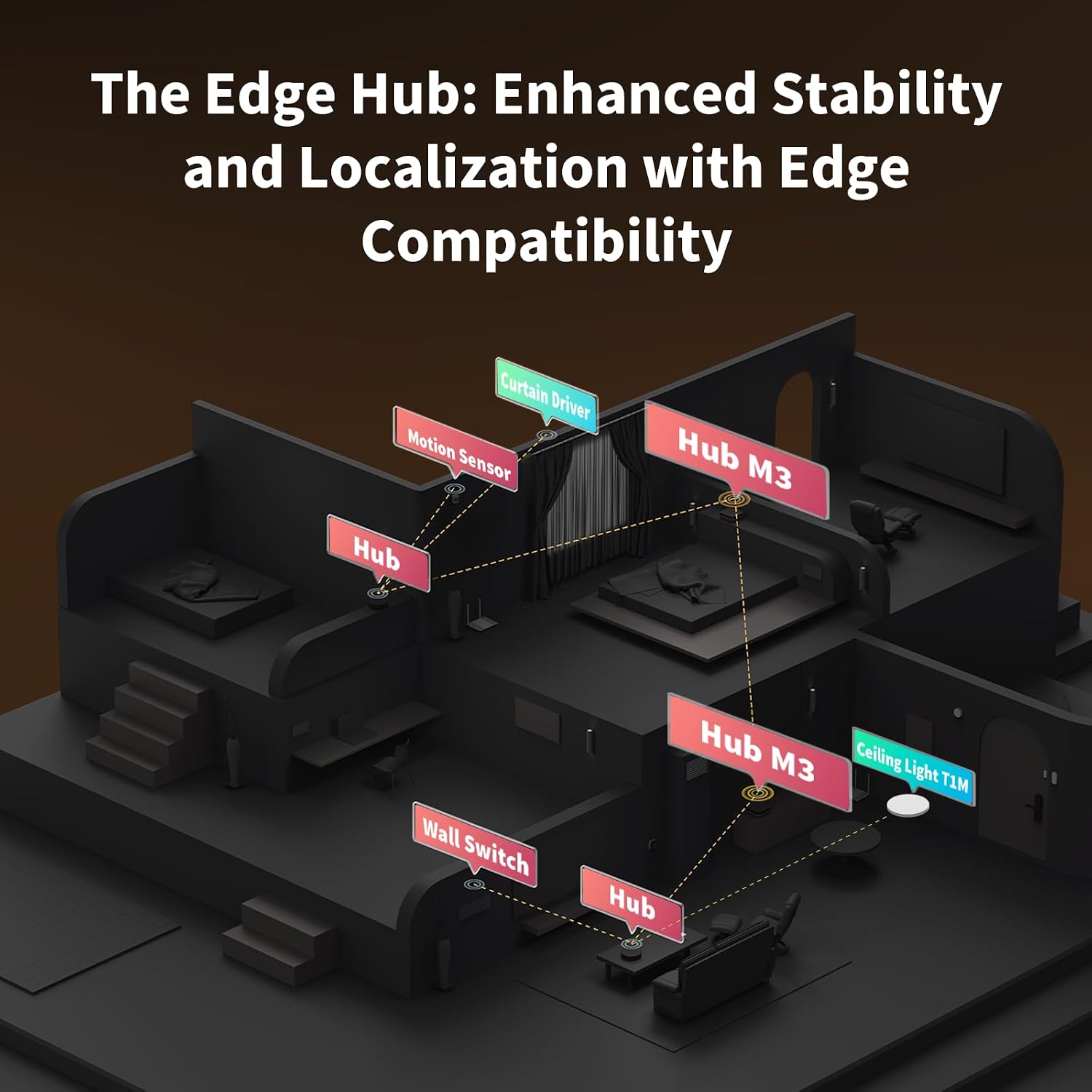
Aqara Hub M3
A Matter controller, Thread border router, and Zigbee 3.0 bridge in one box — the closest thing to an ecosystem-agnostic smart home hub available right now.
- Works natively across Apple Home, Google Home, and Alexa via Matter — no picking a side
- Thread border router and Zigbee 3.0 radio built in, plus a Matter bridge for Wi-Fi devices
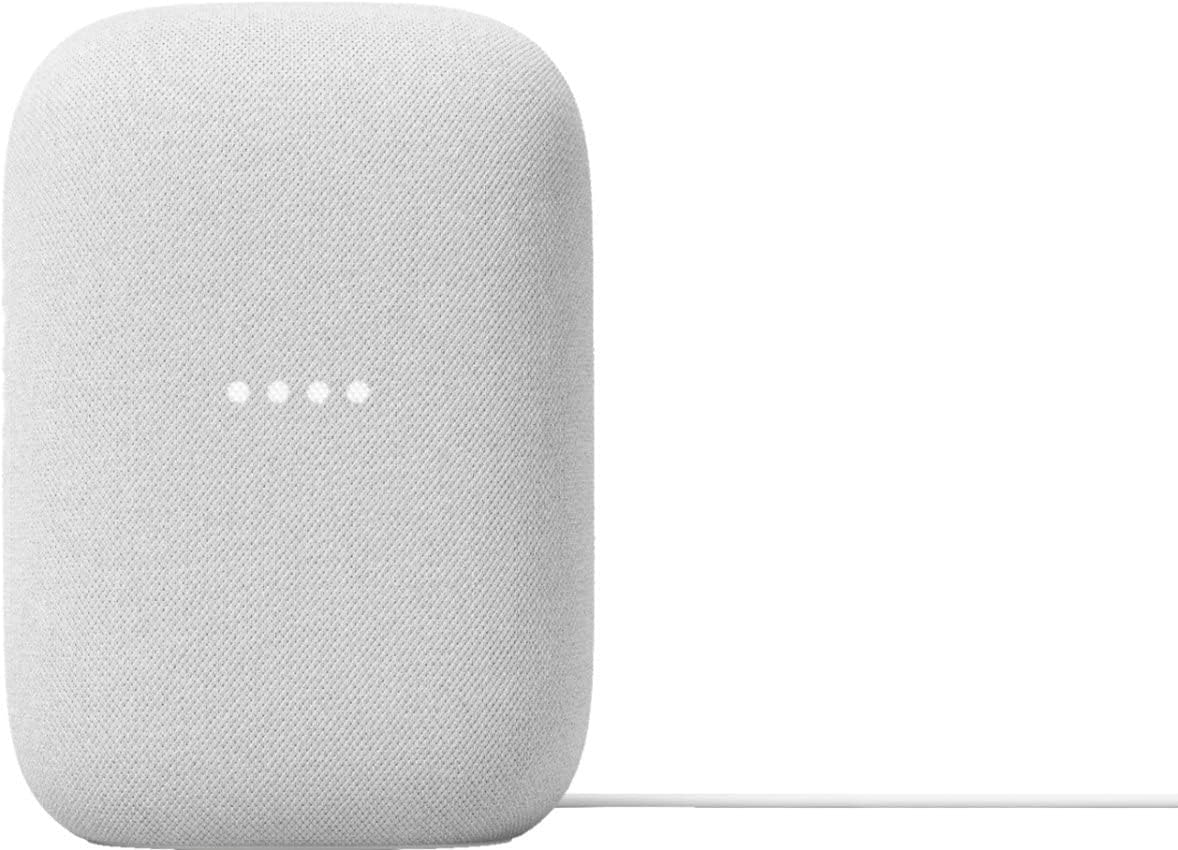
Google Nest Audio
Google Nest Audio (3-Pack) Smart Speakers – Multi-Room Wireless Home Speaker Bundle with Bluetooth, Wi-Fi, Assistant, Stereo Sound, Voice Control & Smart Home Integration
- Excellent sound quality
- Google Assistant works well
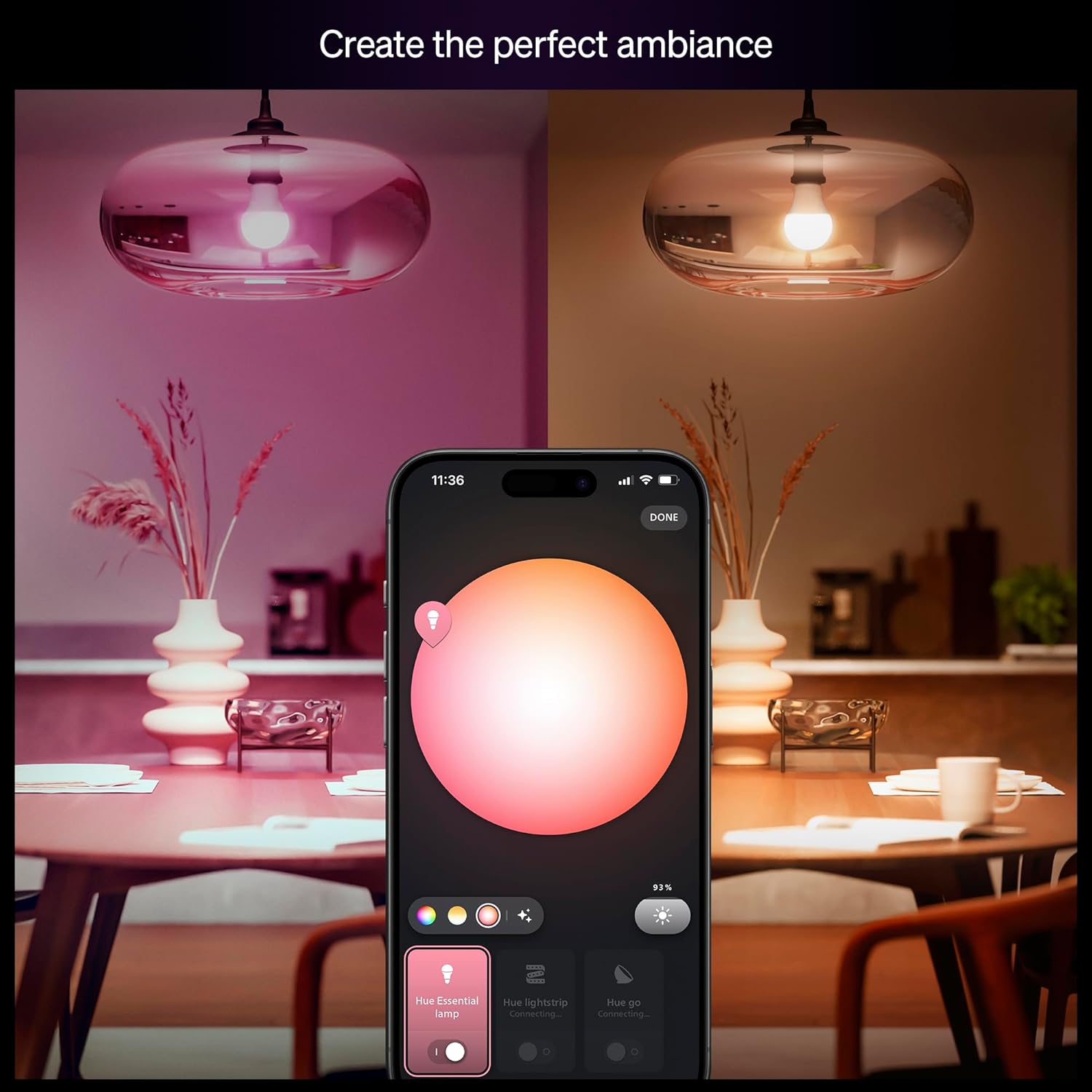
Philips Hue Smart Light Starter Kit (4-Pack)
A premium smart lighting starter kit featuring four color-changing LED bulbs and the Hue Bridge for advanced automation and voice control.
- Easy setup with the included Hue Bridge
- Millions of customizable colors
Where to Buy
Jordan
The Spoky Curates editorial team tests and reviews the best products to help you live smarter every day.